

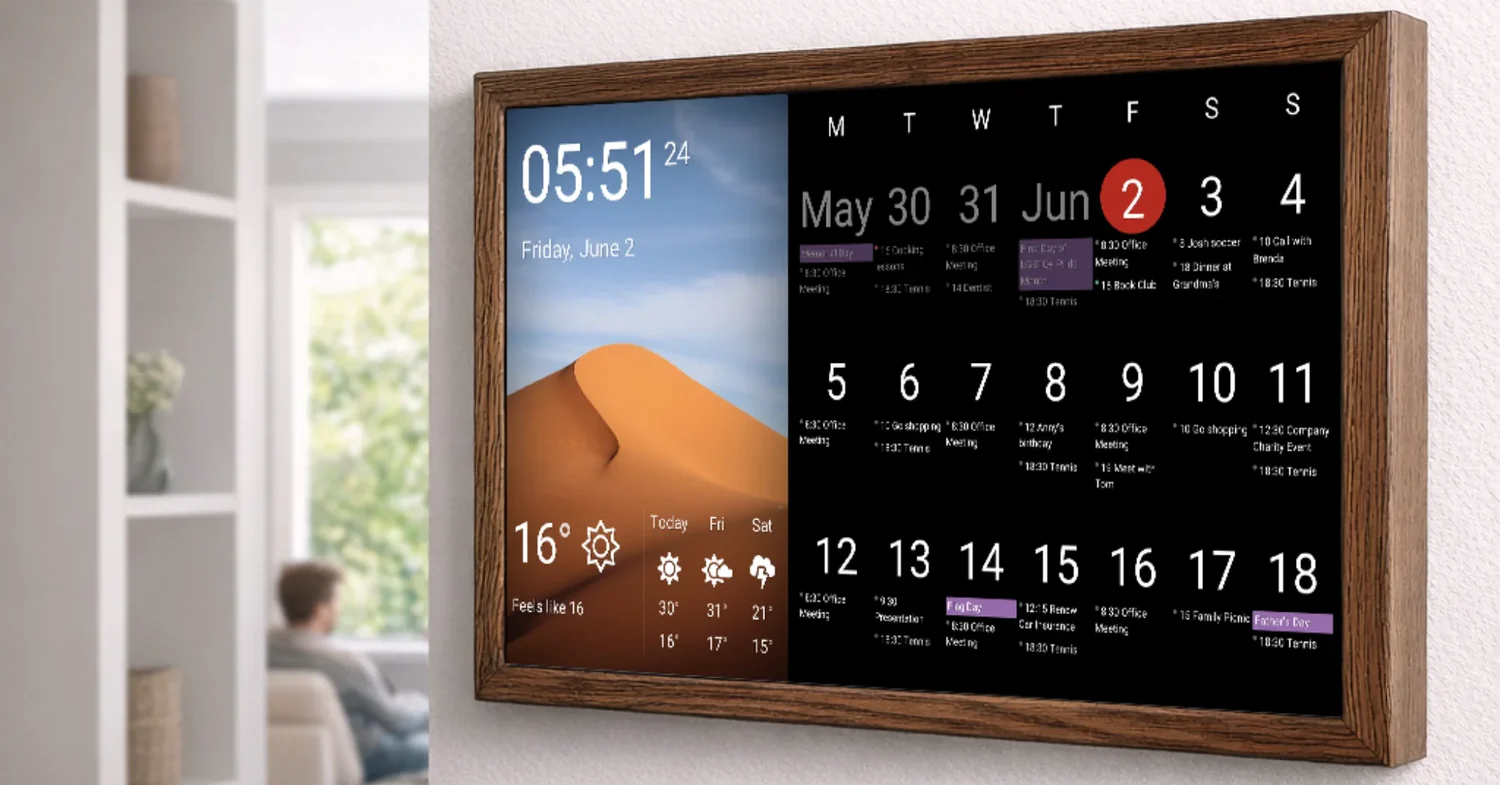
For most people: Google Calendar is the best all-around free option, Fantastical is the best if you’re willing to pay for a premium experience, and Notion Calendar (formerly Cron) is the best for power users who live in their schedule. Choosing the best digital calendar can significantly improve your productivity by syncing your tasks and appointments across all your devices seamlessly.
If you’re on Apple devices exclusively, Apple Calendar handles the basics well and integrates seamlessly – but it starts to show limitations the moment you need more than a simple schedule. Here’s the full breakdown.
Top Digital Calendar Apps: Side-by-Side
| App | Best For | Platform | Standout Feature | Free? |
| Google Calendar | Everyone, especially Android/web | Web, iOS, Android | Deep Google ecosystem sync | Yes |
| Apple Calendar | iPhone/Mac-only users | iOS, macOS | Native OS integration, Siri | Yes (built-in) |
| Fantastical | Power users, professionals | iOS, macOS, web | Natural language input, unified inbox | Freemium ($4.75/mo) |
| Notion Calendar | Busy professionals, teams | Web, Mac, iOS | Meeting prep, deep Notion sync | Free |
| Reclaim.ai | Auto-scheduling, focus time | Web, Google Cal plugin | AI task scheduling | Freemium ($10/mo) |
| Calendly | Scheduling with external people | Web, iOS, Android | Booking links, availability sharing | Freemium ($10/mo) |
| Structured | Visual daily planning | iOS, macOS | Timeline view, task blocks | Freemium ($29/yr) |
Deeper Looks at the Ones That Matter
Google Calendar
Still the gold standard for most people – and for good reason. It works everywhere, syncs instantly, integrates with Gmail, Meet, and basically every third-party app you’ll ever use. The sharing and permission features are excellent for both personal and work scheduling.
Where it falls short: the interface is functional but not particularly elegant. Natural language event creation exists but isn’t as polished as Fantastical. And if you’re not in the Google ecosystem, some features feel forced.
Fantastical
Type ‘Lunch with Sarah next Tuesday at 1pm at Nobu’ and Fantastical creates the event, adds the location, and sets a reminder. That natural language processing is genuinely good. The unified view – combining calendars, tasks, and reminders in one place – is clean and well-designed.
The price is a sticking point for some. At roughly $57/year, it’s not expensive, but Google Calendar is free. Whether the UX improvement is worth paying for depends entirely on how much time you spend inside your calendar.
Notion Calendar
Built for people who use Notion for everything and want their calendar to feel like a natural extension of that. The meeting prep feature – surfacing relevant docs and notes before a call – is genuinely useful. It also shows available slots directly when scheduling, which removes the back-and-forth.
It’s free, which makes it an easy experiment if you’re already in the Notion ecosystem.
Reclaim.ai
Different category than the others. Reclaim doesn’t just display your schedule – it builds it automatically, blocking time for tasks, habits, and focus work based on your priorities. If your calendar is a chaotic mess of reactive meetings with no time reserved for actual work, Reclaim is worth a serious look.
Niche Picks: When Standard Apps Don’t Fit
| Use Case | Recommended App | Why |
| Students | Google Calendar + Structured | Free, visual daily timeline for classes and assignments |
| Freelancers | Fantastical + Calendly | Clean personal calendar + professional booking link for clients |
| Teams | Google Calendar (shared) + Reclaim.ai | Shared visibility + automated focus time blocking |
| Minimalists | Apple Calendar or Notion Calendar | Clean, no-friction, built into existing tools |
| ADHD or time-blindness | Structured or Reclaim.ai | Visual time blocks make time feel more concrete and manageable |
What to Actually Look For
- Cross-device sync – your calendar is useless if it doesn’t update between your phone and laptop instantly
- Sharing and permissions – can you easily share your availability or specific calendars with others?
- Integration with your other tools – email, video calls, task managers, and CRMs
- Natural language input – entering events by typing naturally is faster than clicking through forms
- Offline access – what happens when you lose signal? Some apps handle this better than others
The Thing About Calendars Nobody Admits
I used to forget dentist appointments, my sister’s birthday, and at least one important work deadline per quarter. Not because I was disorganized – I had a calendar. I just didn’t trust it. I didn’t look at it consistently. I didn’t put everything in it.
The app didn’t fix that. What fixed it was deciding to treat my calendar like a second brain: if it’s not on the calendar, it doesn’t exist. Everything goes in – work calls, gym sessions, ‘buy groceries,’ the lot.
Once I made that mental shift, any app worked fine. Before that shift, even the best app was just a place I sometimes remembered to check.
Final Recommendation by User Type
| You Are… | Start With… |
| Android / Google Workspace user | Google Calendar – already set up, just use it properly |
| Apple-only household | Apple Calendar + Fantastical for power features |
| Busy professional with too many meetings | Notion Calendar or Reclaim.ai |
| Freelancer managing clients | Fantastical for personal + Calendly for client booking |
| Someone starting fresh | Google Calendar – free, universal, plenty of features to grow into |
Try before you commit. Every app on this list offers either a free plan or a trial. Run your real schedule through it for two weeks. The best calendar app is the one you’ll actually open every morning.
